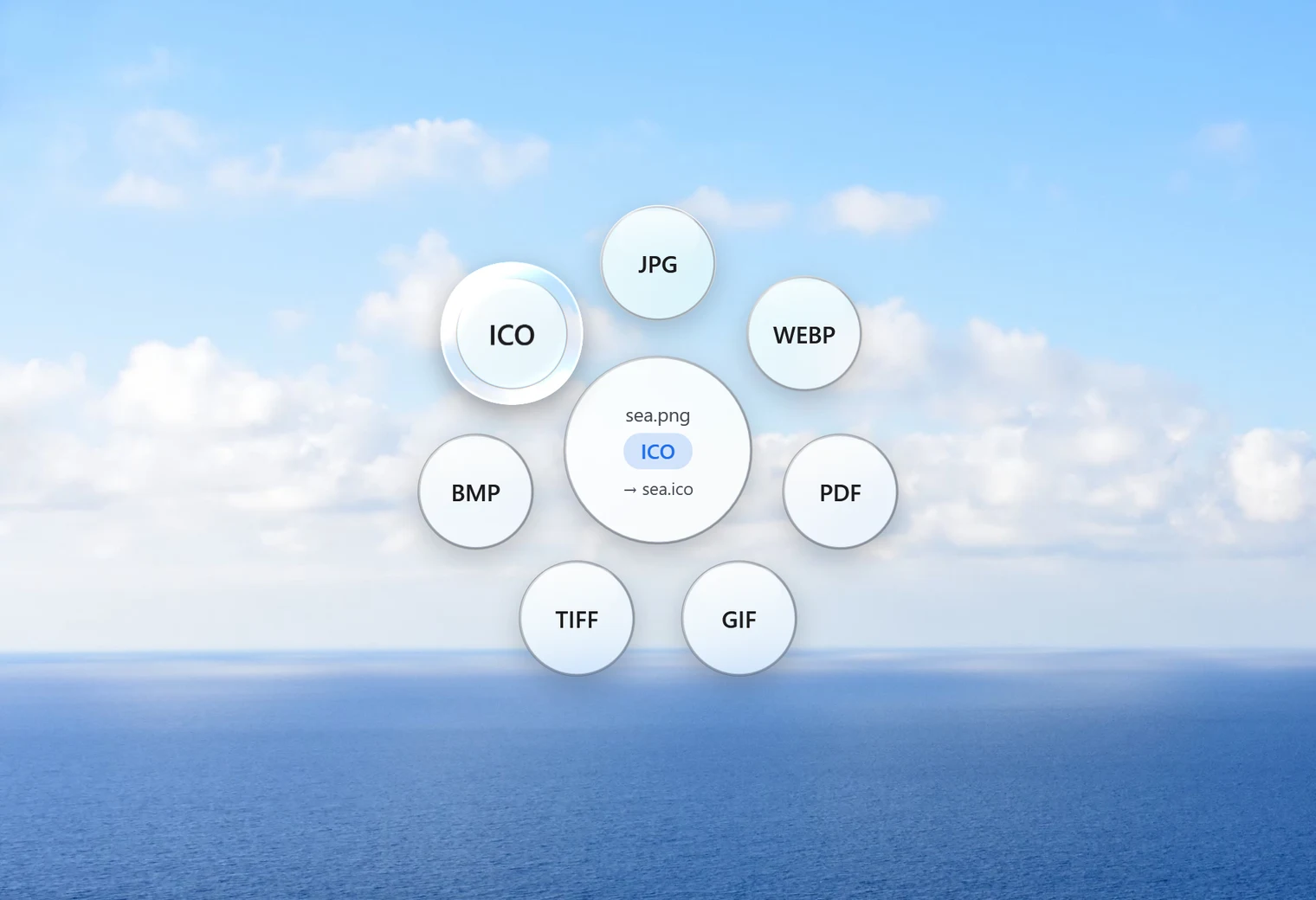
What an ICO file is
An .ico file is the picture format Windows uses for icons: on shortcuts, folders, programs and in the browser tab of many websites (the "favicon"). Unlike a normal picture, one ICO file can hold several sizes of the same image, so Windows can show a crisp small version in a list and a large one on the desktop.
How to convert PNG to ICO with Santra
- Find your PNG in File Explorer. A square picture with a see-through background works best.
- Start dragging it, and keep holding the mouse button.
- Tap Shift to open Santra's Convert orbit.
- Drop it on ICO.
logo.png becomes logo.ico in the same folder. The PNG stays as it was, and an existing ICO with that name is never overwritten.
Every size in one file
Santra builds six sizes into the icon, so it looks right wherever Windows shows it:
| Size | Where you typically see it |
|---|---|
| 256 × 256 | Large icons and high-resolution screens |
| 128 × 128 and 64 × 64 | Big icon views in File Explorer |
| 48 × 48 | Desktop icons at normal size |
| 32 × 32 and 16 × 16 | Lists, menus and small views |
Start from a PNG that is at least 256 pixels wide, so the largest size has enough detail. A tiny picture will look soft when it's stretched up.
Transparency and odd shapes
- See-through areas stay see-through, so your icon sits cleanly on any background instead of in a white box.
- Not square? Icons are square, so a wide or tall picture is centred on a transparent square rather than squashed or cropped.
Getting the best-looking icon
- Keep it simple: at 16 × 16 pixels there's room for a shape and a colour, not for small text or fine detail. Bold, simple logos survive shrinking best.
- Square up first if you can: Santra centres a non-square picture on a transparent square, which works, but a picture that's already square fills the icon better. Santra's Crop tool (drag the picture and tap Alt) lets you choose the area to keep first.
- Use a transparent background: a PNG with a see-through background makes an icon that blends into any desktop. A JPG always brings its background with it.
- Website favicons: many sites still use a
favicon.icofile, and the multi-size ICO from Santra works for that too.
Using your new icon
To put it on a shortcut, right-click the shortcut, choose Properties, then Change Icon, and browse to your new ICO file. For a folder, right-click it, choose Properties, then the Customise tab and Change Icon.
Other ways to make an ICO file
- Image editors such as GIMP can export ICO files, with more control and more steps.
- Online icon converters: quick, but the picture is uploaded first. Fine for a public logo, less so for unreleased work.
- Paint can't save as ICO, so it isn't an option here.
Santra is the quickest way on Windows 10 and 11: one drop, every size included, transparency kept, nothing uploaded.