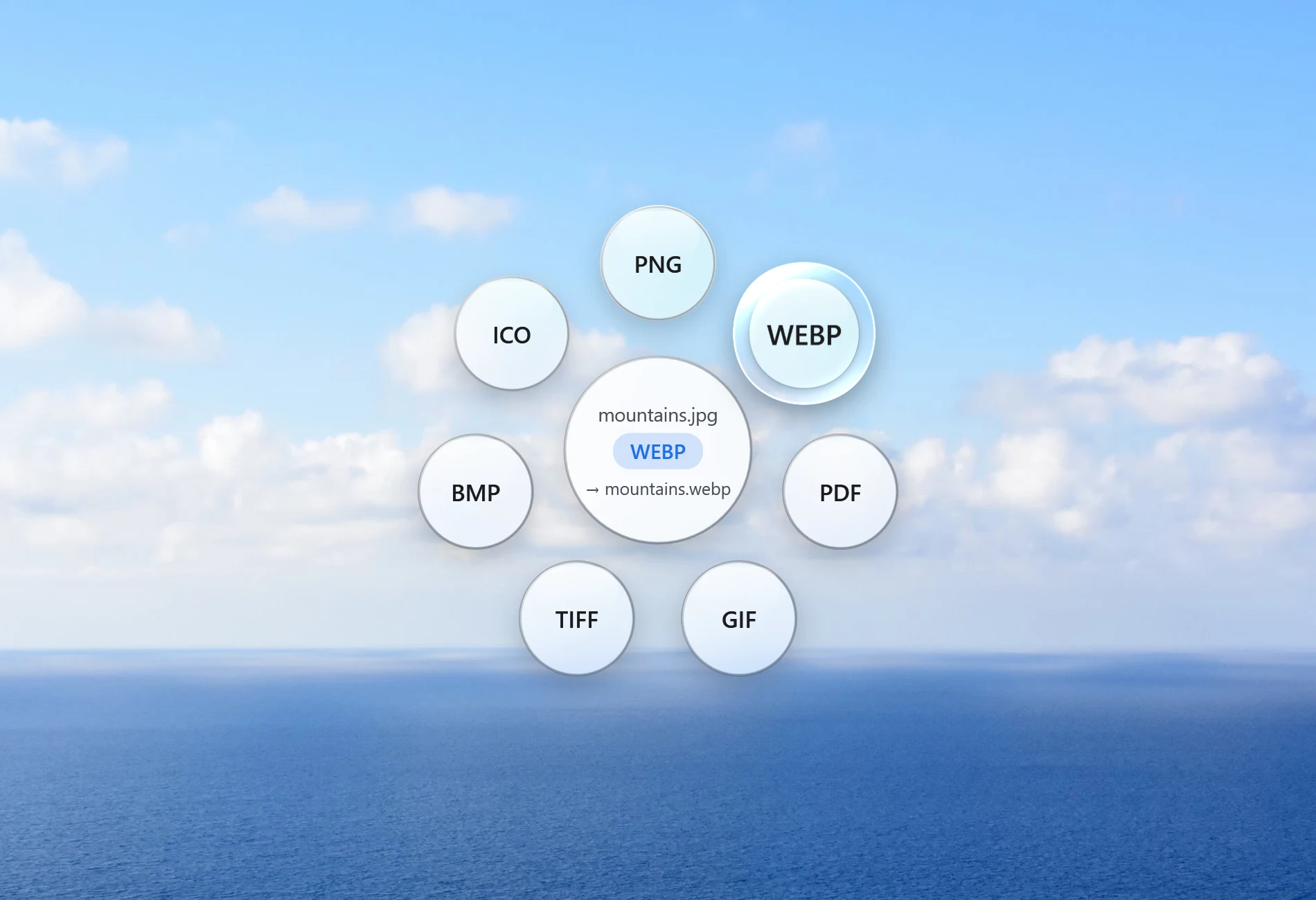
Santra is a separate Windows app from a different developer. It is not Tangerine, not a Windows version of it, and not connected to Tangerine or its maker, Leap Studio. What the two share is an idea: converting a file shouldn't mean opening an app, finding a menu and saving a copy. You start dragging the file, tap a key, and drop it where you want it to go.
Santra and Tangerine side by side
| Feature | Santra | Tangerine |
|---|---|---|
| Runs on | Windows 10 and 11 (64-bit) | Mac only (Apple silicon, macOS 13 or later) |
| How you use it | Drag a file, tap Shift, Alt or Ctrl | Drag a file, press Shift, Command or Control |
| Files stay on your computer | ✓ Yes | ✓ Yes |
| Conversions | Pictures, video, audio, Word, Excel, PowerPoint, PDF | 275 options, incl. EPUB, subtitles, archives |
| File tools | 15 (compress, crop, trim, merge, lock PDF and more) | 26 |
| Many files at once | ✓ Yes | Not stated on its site |
| Price | First 25 files free, then US$19 once for up to 3 PCs | Not shown on its site (Mac App Store) |
When to choose Tangerine
- You use a Mac. Santra doesn't run on macOS, and Tangerine is made for it, with Mac touches such as AirDrop.
- You need conversions Santra doesn't do, such as e-books (EPUB), subtitles or archives.
- You want the larger set of tools: its site lists 26.
When to choose Santra
- You use Windows 10 or 11. That's the whole reason Santra exists.
- You convert or tidy up lots of everyday files: photos (including iPhone HEIC), videos, music, Word, Excel and PowerPoint files and PDFs.
- You want a clear, one-time price: your first 25 files are free, then US$19 once for up to 3 PCs, with no subscription.
- You want files kept private: Santra runs offline and never uploads anything.
How to convert files the drag-and-drop way on Windows
- Download Santra and install it. It installs for your Windows account only, without asking for admin rights.
- Start dragging a file in File Explorer or on your desktop, and keep holding the mouse button.
- Tap Shift to convert, Alt for tools or Ctrl for file actions, then drop it on an option.
The new file appears next to the original, which is never changed or overwritten. You can change the three keys in Settings. Common jobs have their own guides: HEIC to JPG, WebP to JPG, MOV to MP4, compress images and merge PDFs.
A word on the details
We checked Tangerine's details on its own website on 22 October 2026 and only list what it says there. Its price and the size of its free allowance aren't shown on the site, so we've left them out rather than guess. If something has changed, its website is the place to check.