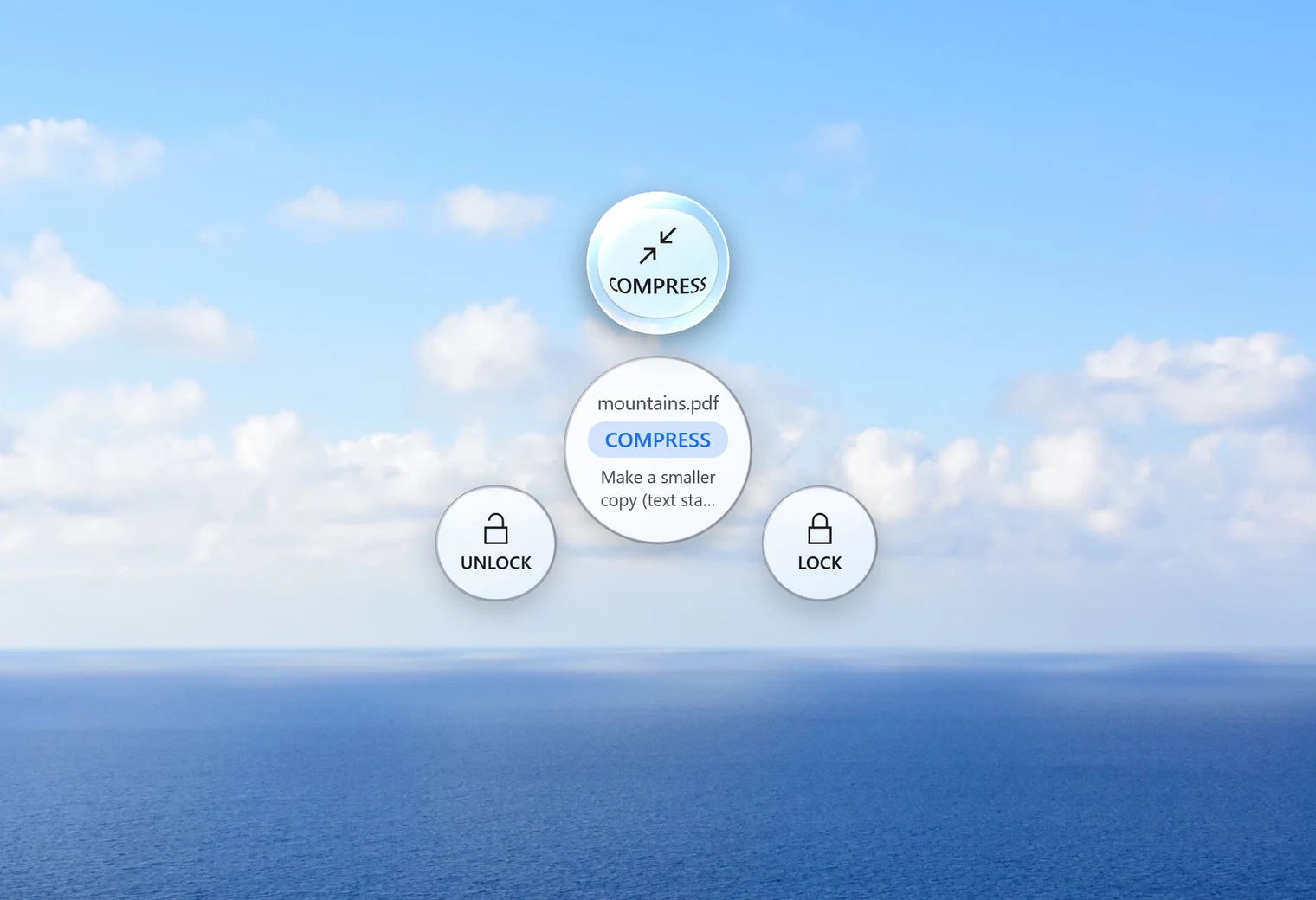
Smallpdf's free plan is handy for an occasional file, but its pricing page shows a daily download limit on most tools, and batch compression is a paid feature. If what you mostly do is shrink, combine or password-protect PDFs, a small app on your own PC can be simpler. That's the gap Santra fills on Windows. For anything beyond those basics, Smallpdf has far more to offer.
Smallpdf vs Santra at a glance
| Feature | Santra | Smallpdf |
|---|---|---|
| Platforms | Windows 10 and 11 | Web, Windows app, iOS and Android |
| Files uploaded | Never | Yes on the website; its Windows app works offline after download |
| Compress, merge, protect, unlock | ✓ Yes | ✓ Yes |
| Many PDFs at once | ✓ Yes | Batch tools are paid |
| Edit text, OCR, e-sign, AI tools | ✗ No | ✓ Yes |
| PDF to Word, Excel, PowerPoint | ✗ No | ✓ Yes |
| Free use | First 25 files | Daily download limit on most tools |
| Paid | US$19 once, up to 3 PCs | Pro subscription, 7-day free trial |
Pick Smallpdf if…
- you need to edit text in a PDF, run OCR, or turn a PDF back into Word, Excel or PowerPoint;
- you sign documents or use its AI chat and summaries;
- you switch between devices, including phones and Macs.
Pick Santra if…
- your PDF jobs are mostly compress, merge, lock and unlock, and you do them often;
- you want to process a whole stack of PDFs at once without a subscription;
- the documents are private and shouldn't leave your PC;
- you also convert pictures, videos and Office files and like doing it all with one gesture.
One honest note on compression: Santra re-saves the pictures inside a PDF smaller and trims fonts, while text stays sharp. A PDF that is mostly text may barely shrink; if a copy would save under 2%, Santra tells you and doesn't make one.
Switching in three steps
- Install Santra (Windows 10 or 11, 64-bit).
- Drag one PDF or a whole selection and tap Alt.
- Drop on Compress, Merge, Lock or Unlock; the result lands next to the original.
More detail: compress a PDF, merge PDFs and password-protect a PDF.
A word on the details
Smallpdf's features and limits come from its own pricing, desktop and Word to PDF pages, checked on 22 October 2026. Its exact prices and the size of the free daily limit didn't appear on the pages we could read, so we haven't listed them.