Scanned receipts, photos of signed forms, pages of homework, a set of ID photos for an application: a lot of everyday paperwork starts as JPG pictures and has to end up as a PDF. With Santra you can convert JPG to PDF on Windows, or combine many images into one PDF, in a single drag.
Combine several JPGs into one PDF
- Open the folder with your pictures in File Explorer.
- Select the ones you want: Ctrl-click each one, or press Ctrl + A for all of them.
- Start dragging the selection and keep holding the mouse button.
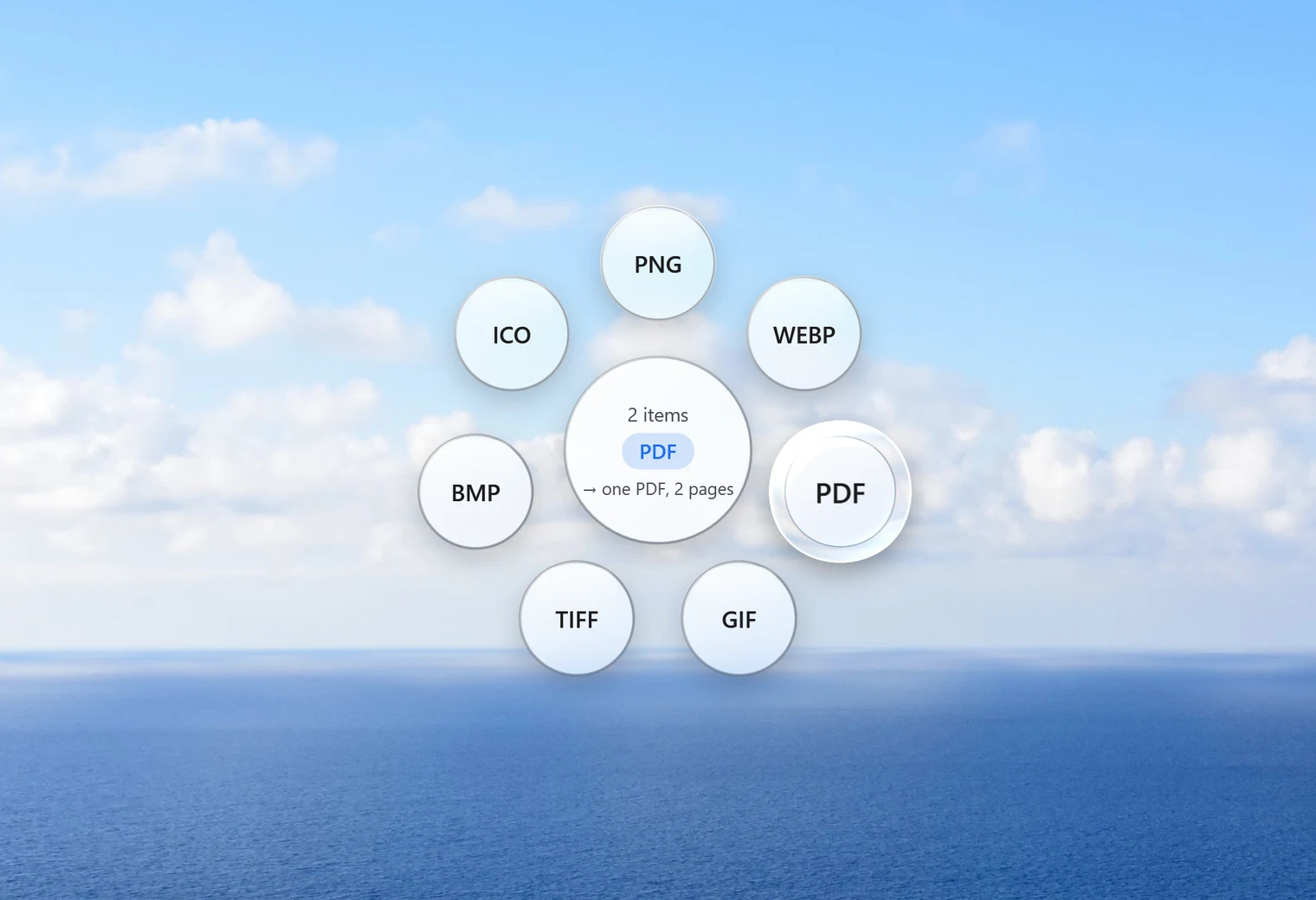
- Tap Shift. The Convert orbit opens and its centre shows how many items you're dragging.
- Drop them on PDF.
Santra makes one PDF with a page for each picture and saves it next to the originals. In our test, three pictures dropped on PDF came out as a single three-page PDF. The pictures themselves stay exactly as they were.
Convert a single JPG to PDF
Drag one picture, tap Shift and drop it on PDF. You get a one-page PDF with the same name, for example receipt.jpg becomes receipt.pdf. If that name is taken, Santra saves "receipt (2).pdf" instead of overwriting.
Not just JPG
The same drop works for PNG, WebP, GIF, BMP, TIFF and ICO pictures, plus HEIC and AVIF where Windows can open them. You can mix them in one PDF. A few things to know:
- Transparent pictures: a PDF page can't be see-through here, so transparent areas become white, not black.
- Animated GIF or WebP: only the first frame goes onto the page.
- Folders: you can't drop a folder itself. Open it and select the pictures inside.
Is the PDF too big?
Photos from a modern phone are large, and a PDF full of them is large too. In our test, a PDF of three big pictures came out at about 7.6 MB. Santra's Compress PDF tool re-saves the pictures inside smaller while keeping any text sharp: the same 7.6 MB PDF shrank to 235 KB. Handy when an email or an upload form has a size limit.
Already have several PDFs that belong together? Use Merge PDF to combine them in the order you choose.
And back again: PDF to pictures
It works the other way too. Drag a PDF, tap Shift and drop it on PNG or JPG, and Santra saves a folder with one picture per page. That's useful when a website wants images rather than a PDF, or when you want to post a single page of a document.
Other ways to make a PDF from pictures on Windows
- Microsoft Print to PDF: select the pictures in Explorer, right-click, choose Print and pick "Microsoft Print to PDF" as the printer. It's built in and works offline. You get a print dialog with paper and layout options, which is useful but slower than one drop.
- Online JPG to PDF sites: quick and free, but your pictures are uploaded first. For ID cards, bank letters or medical papers, that's worth avoiding. See are online file converters safe?
- Word or other document apps: paste the pictures into a document and save as PDF. Flexible, but slow for a pile of images.
Santra is the fastest when you do this regularly: select, drag, tap, drop. Everything stays on your Windows 10 or 11 PC.