Keep the FLAC, carry the MP3
FLAC is the format music lovers keep their collections in: it's lossless, so it holds every detail of a CD or a high-quality download, and it's still smaller than WAV. The catch is space and support. A FLAC album can take several hundred megabytes, and many car stereos, older phones and simple MP3 players can't play FLAC at all.
The usual answer is to keep the FLAC files as your master library on the PC, and make MP3 copies for everything else. That's exactly what Santra makes easy.
How to convert a FLAC album to MP3
- Open the album's folder in File Explorer and press Ctrl + A to select all the tracks.
- Start dragging them together, and keep holding the mouse button.
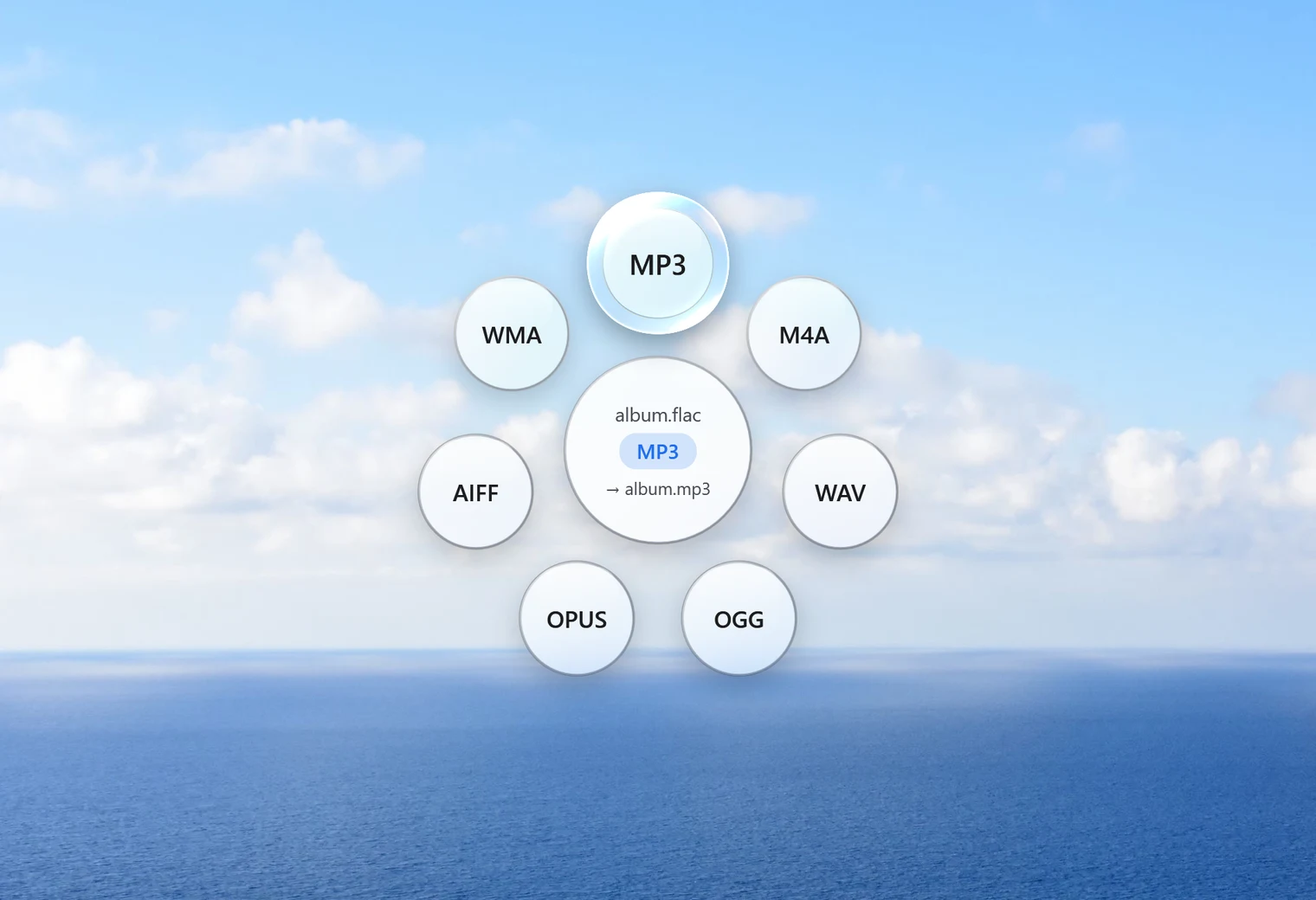
- Tap Shift. Santra's Convert orbit opens under your cursor.
- Drop them on MP3.
Santra converts every track and shows its progress, with a Cancel button. Each MP3 is saved next to its FLAC with the same name, so the album stays in order. Nothing is overwritten: if an MP3 already exists, the new one becomes "name (2).mp3".
Prefer the MP3s in a separate place? In Santra's Settings you can choose one folder for all converted files instead of saving them beside the originals.
Folders themselves can't be dropped on the orbit, so for a whole collection, convert album by album: select the tracks inside each album folder and drop them.
"Without losing quality": the honest answer
Every MP3 is lossy, so going from FLAC to MP3 always removes some detail. What matters is whether you can hear it. Santra uses a high-quality variable-bitrate setting (LAME quality 2), which spends more data on complex passages and less on quiet ones. For listening in a car, on headphones on the go, or on a phone, most people can't tell it from the FLAC.
If you truly need nothing lost, don't convert to MP3: keep FLAC, or pick WAV or AIFF in the same orbit for players that want uncompressed sound. For Apple devices, M4A is also offered.
Tips for the car and the phone
- USB stick for the car: make the MP3s, copy the folder to the stick, and keep the FLACs at home. Most car stereos that read USB sticks play MP3.
- Phone storage: MP3 copies take far less room than FLAC, so many more albums fit.
- Uneven volume between tracks? Santra's Normalize tool (drag, tap Alt) evens out the loudness of a file and saves it in the same format.
Other ways to convert FLAC to MP3
- Music players with a convert option: some media players and library apps can export MP3 copies, with varying control over quality and tags.
- Audacity: free and capable, but built for editing one recording at a time rather than whole albums.
- Online converters: uploading a whole album is slow, and most sites limit file sizes.
Santra is quickest for whole albums: one drop per album, no settings, nothing uploaded. It runs on Windows 10 and 11.