
Convert any file
in the middle of a drag
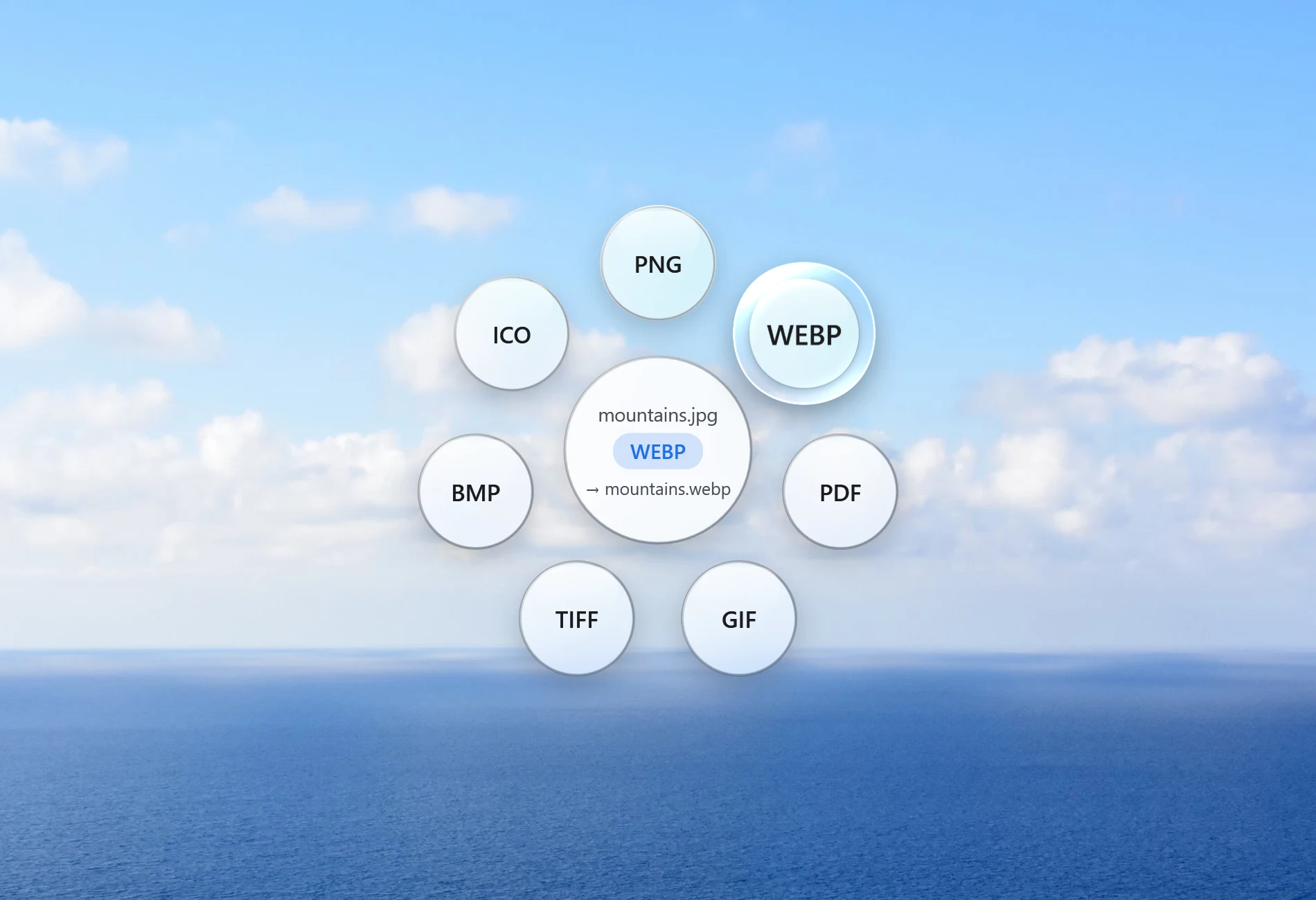
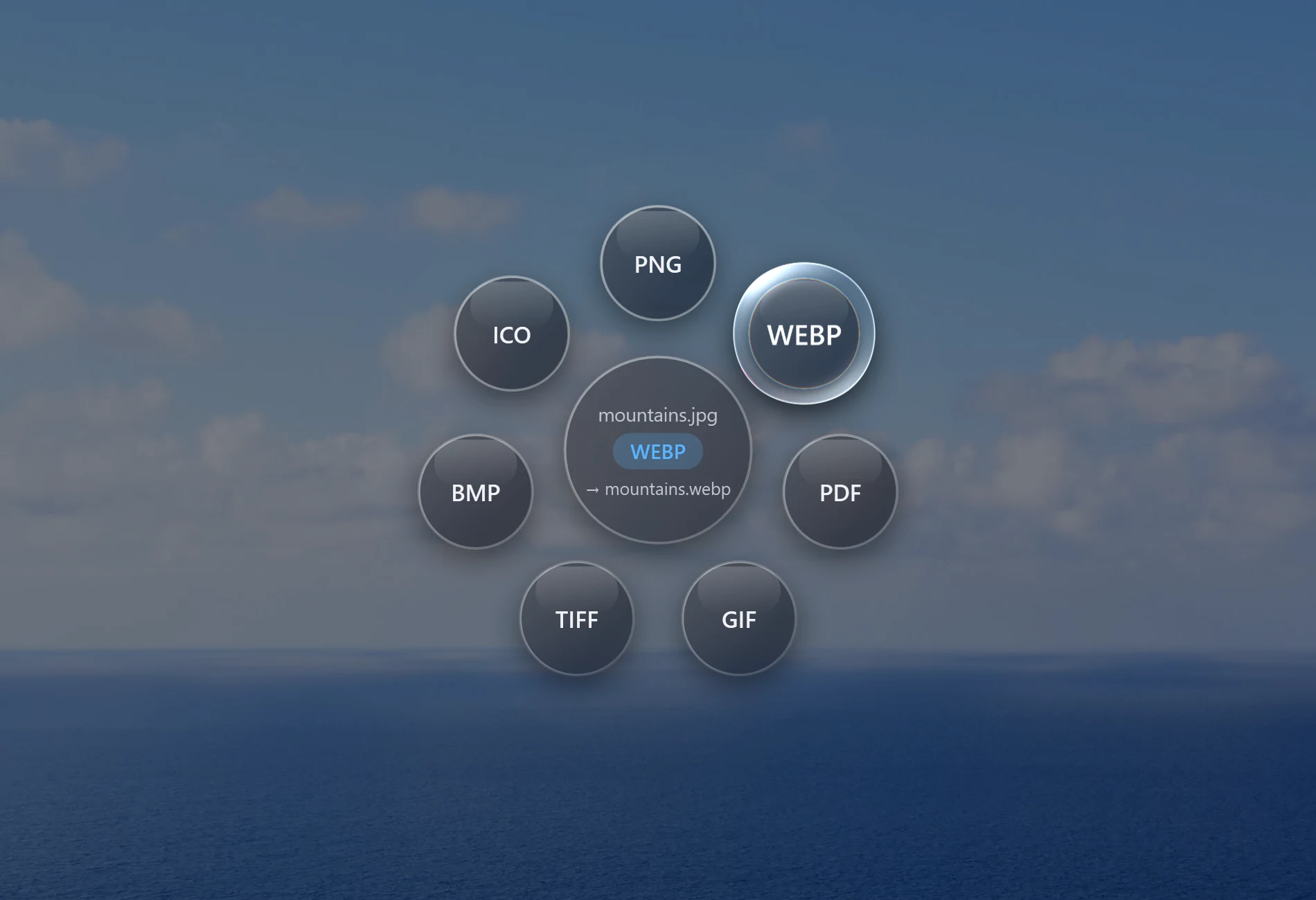
Start dragging a file, tap Shift, and drop it on the glass orbit. Santra turns it into a PNG, MP4, PDF or whatever you need, right on your PC.
Windows 10 and 11 · 25 files free · Nothing uploaded
 9:41
9:41This is a live demo. Drag the photo, tap a key, and let go on a bubble. On a phone, tap the photo.
No app to open.
No upload. No waiting.
Drag a file
From File Explorer, your desktop or most apps. One file or a whole selection.
Tap a key
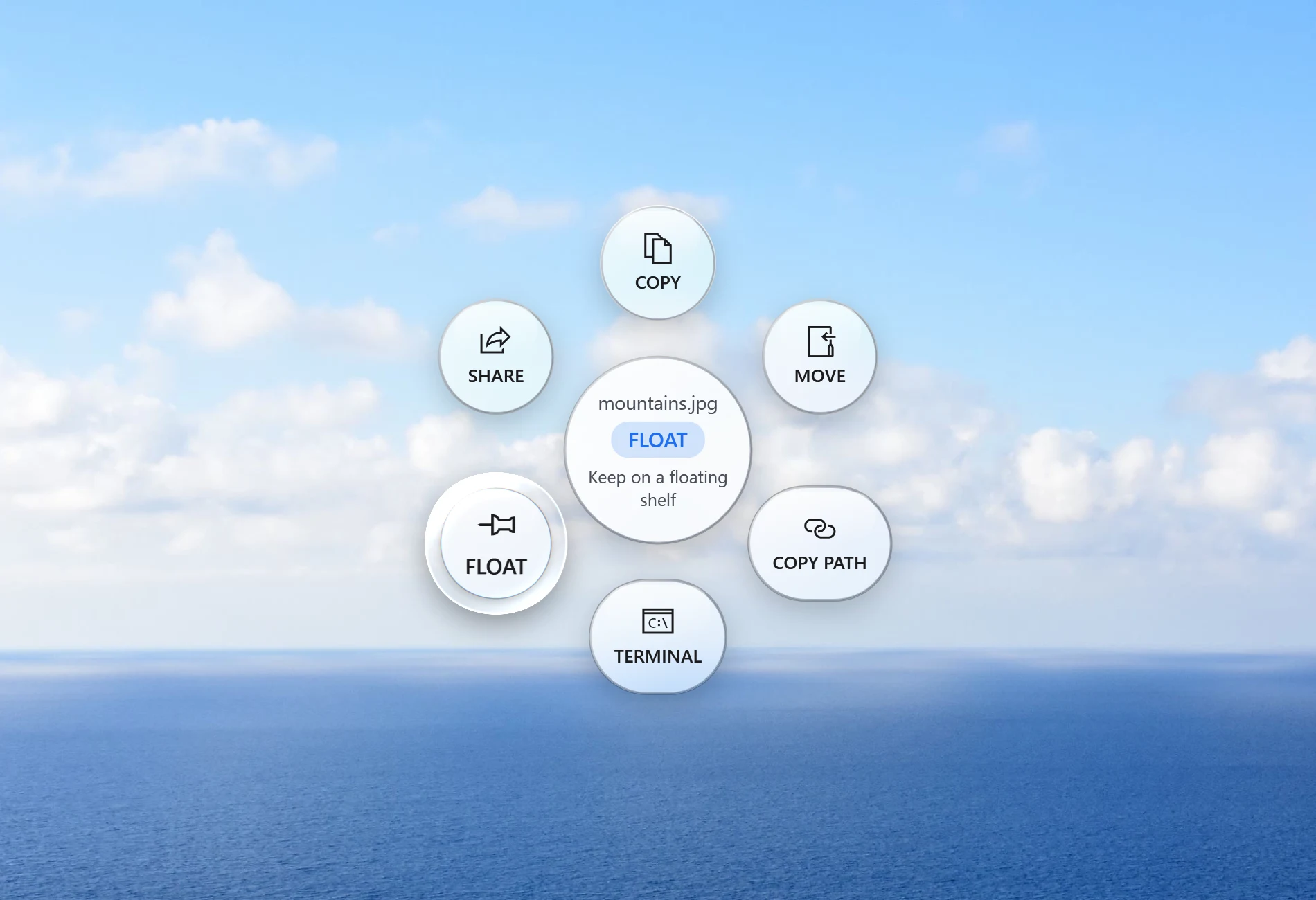
Shift for Convert, Alt for Tools, Ctrl for file actions. The orbit opens under your cursor.
Drop it on a bubble
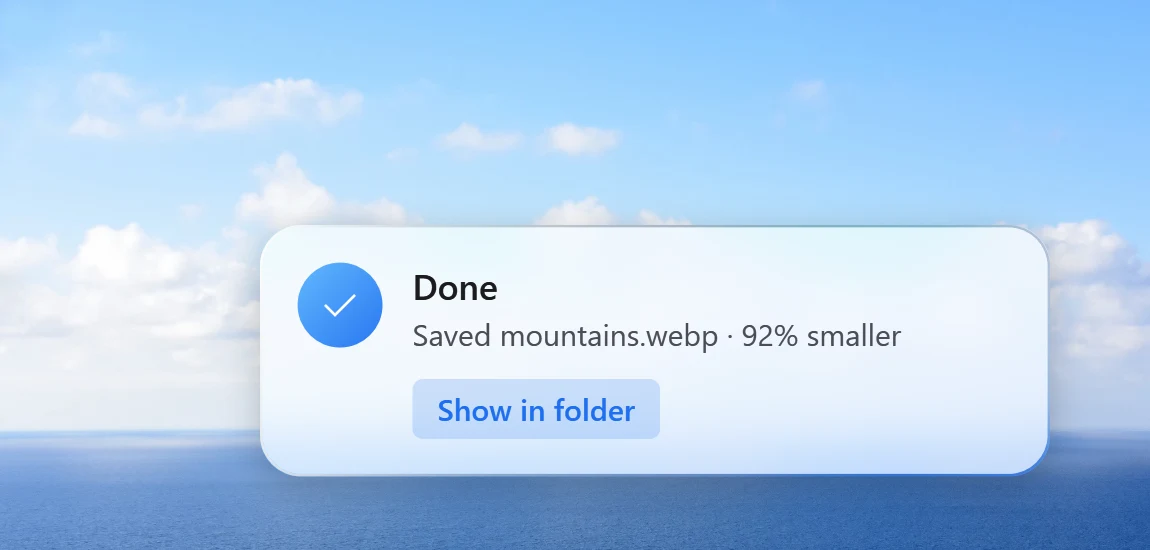
The new file appears next to the original. The original is never touched.
One gesture,
three kinds of help.

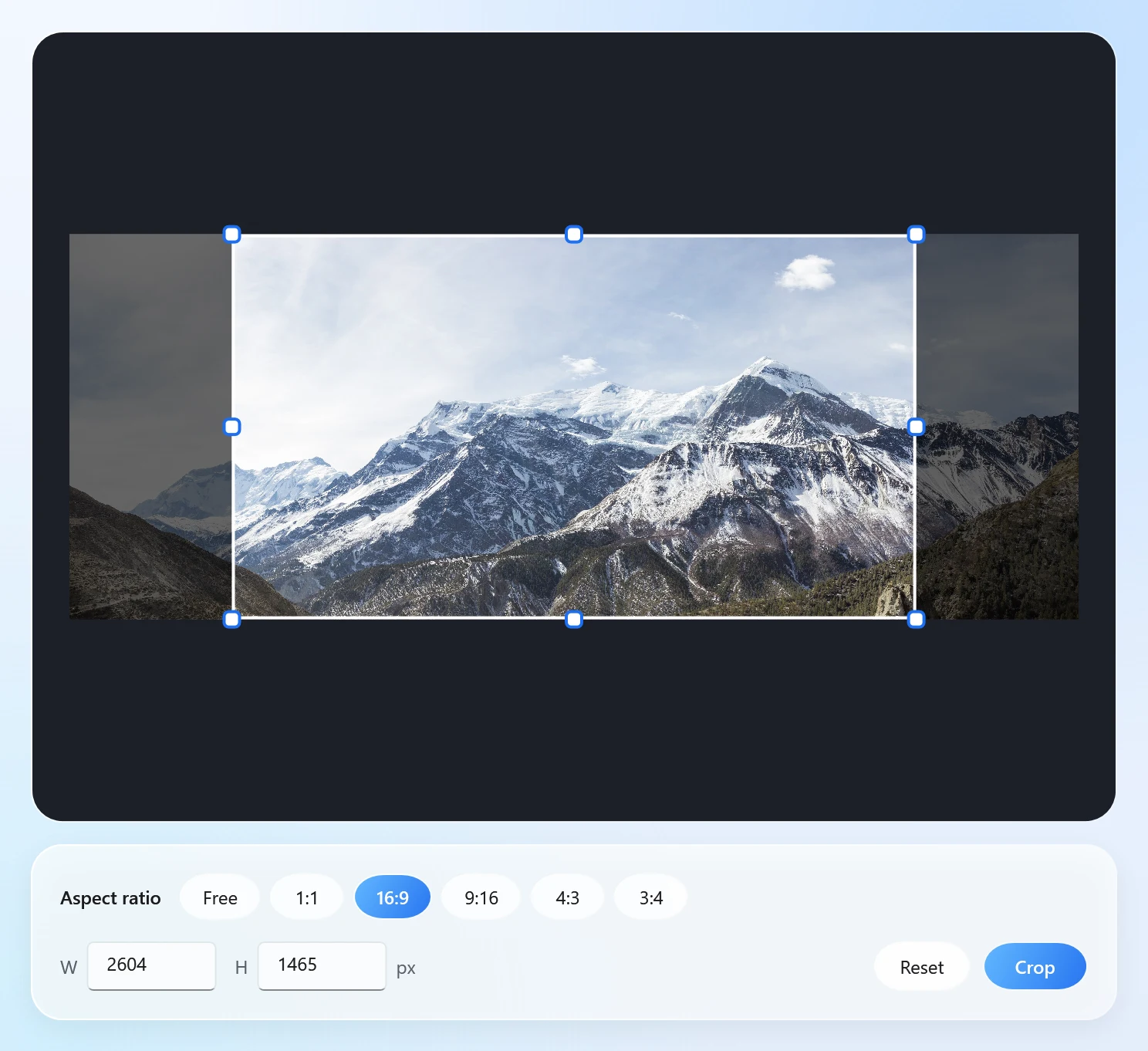
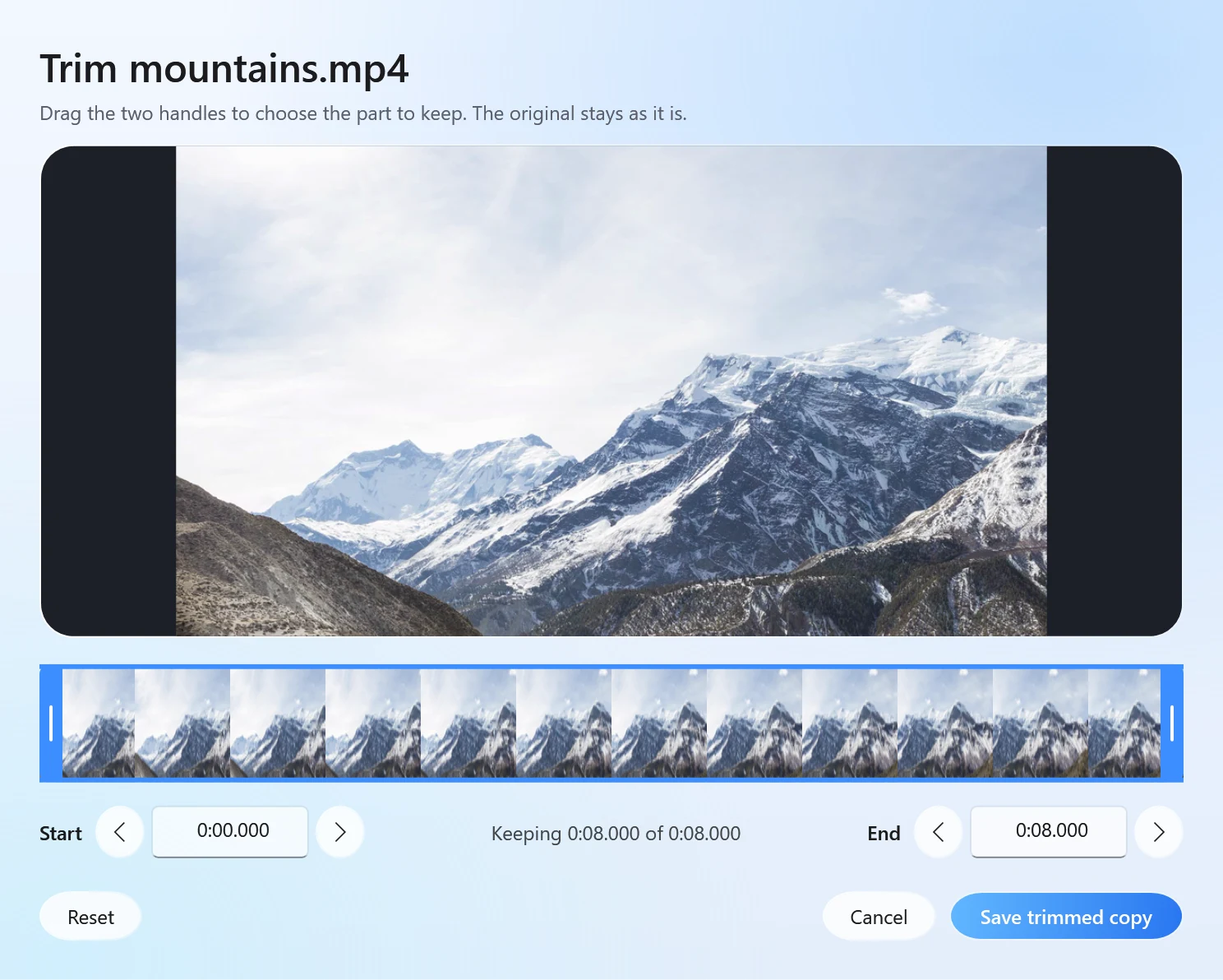
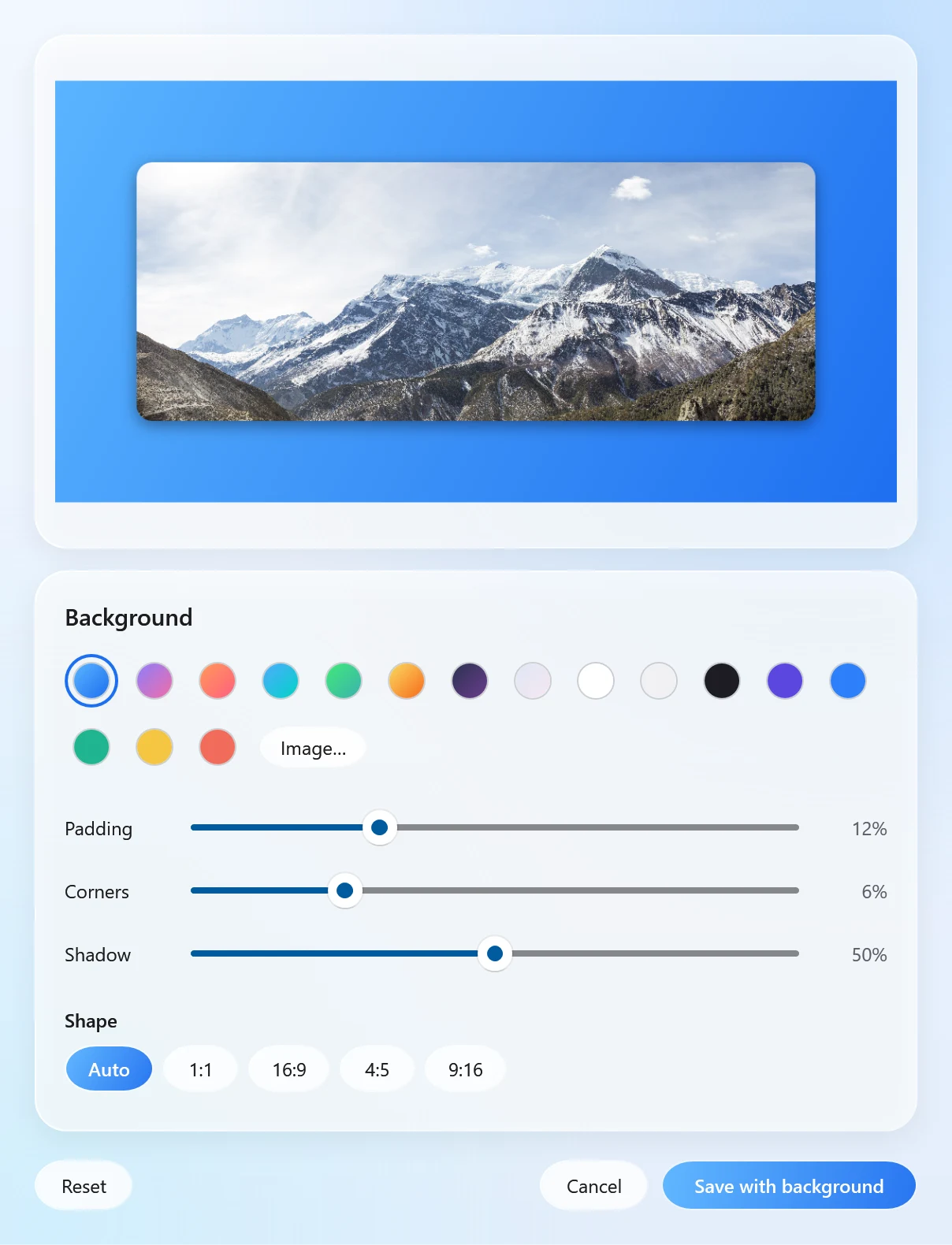
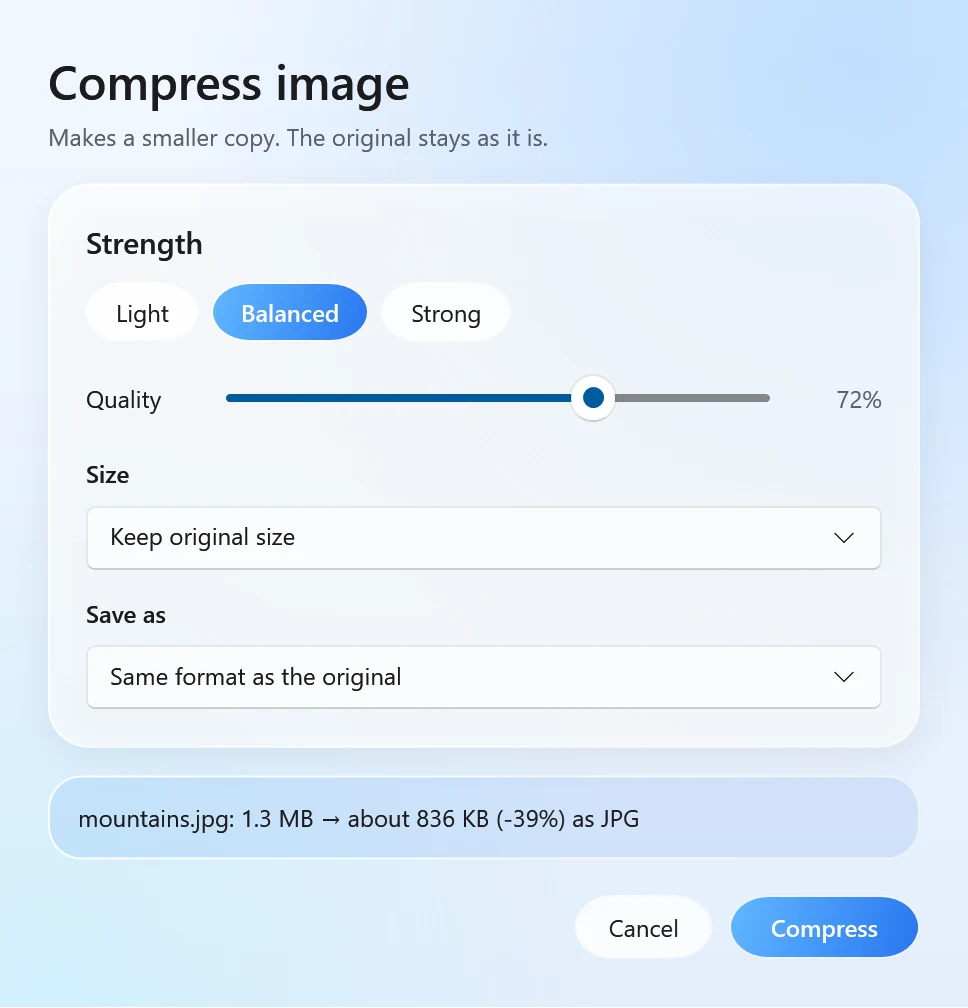
When a tool needs a choice,
it asks in one small window.
Made of the same glass as the orbit. Press Enter to save, Esc to close.
The files you actually
deal with every day.
Images
From PNG, JPG, WEBP, GIF, TIFF, BMP, ICO
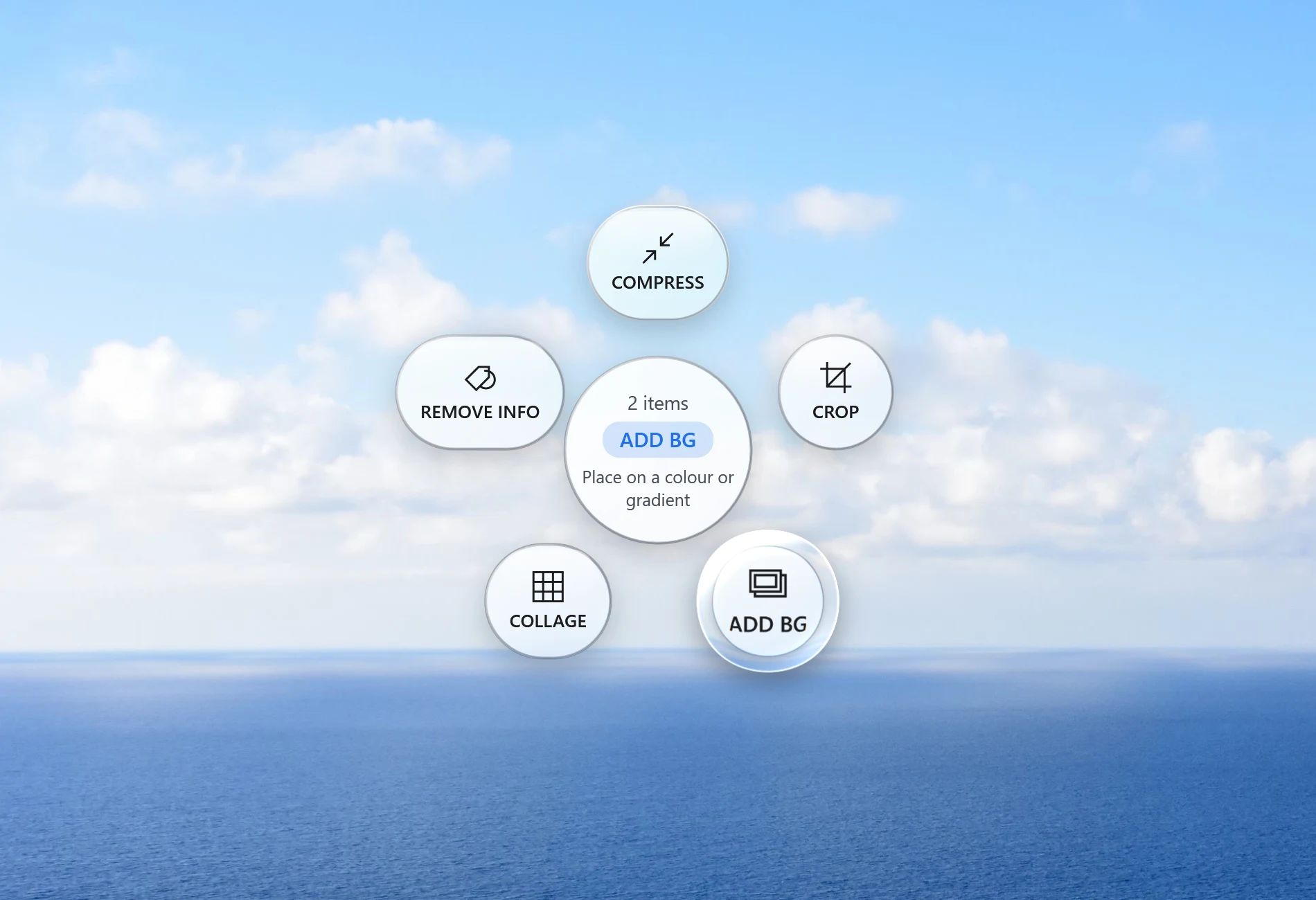
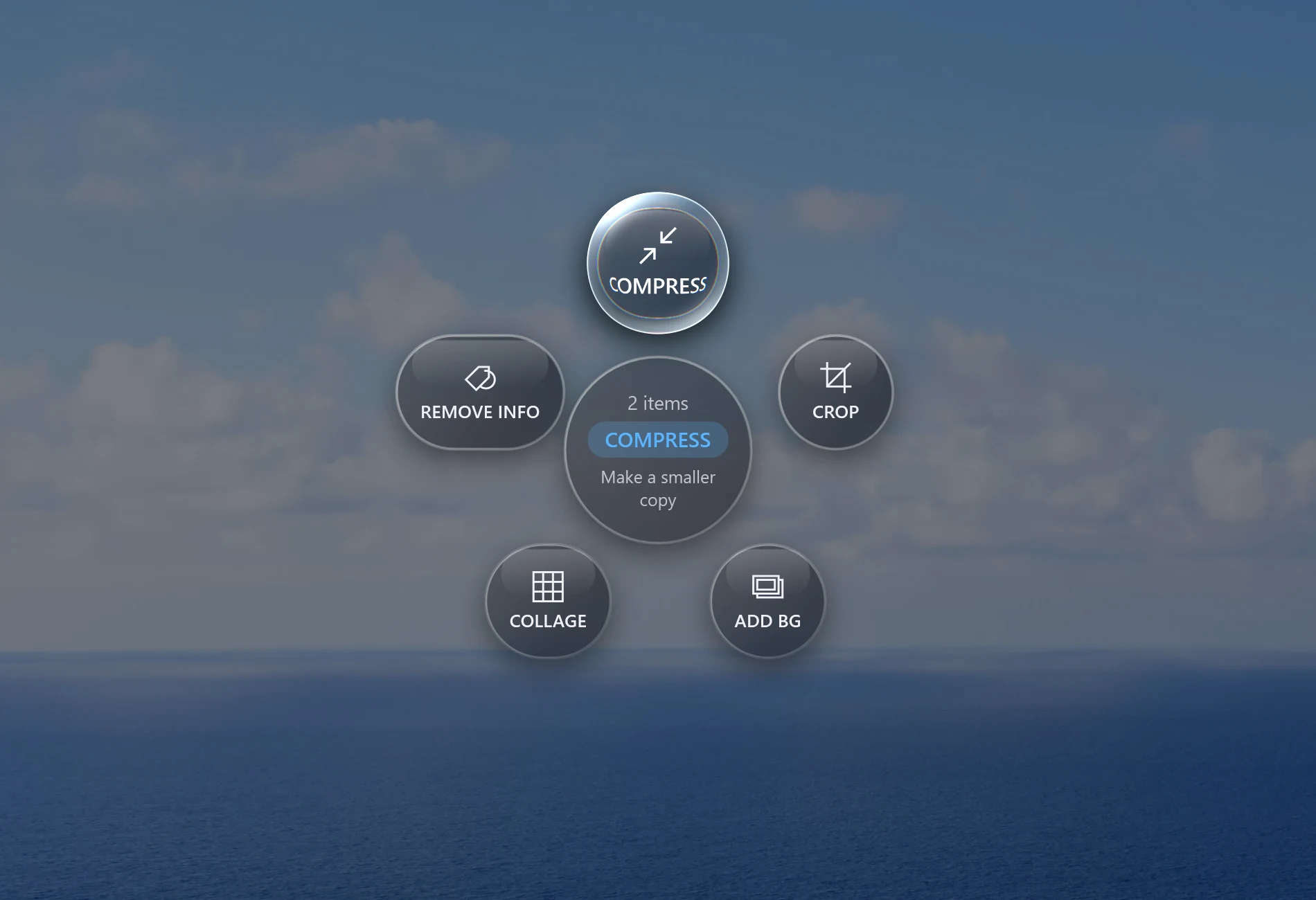
Tools: Compress · Crop · Add background · Collage · Remove info
Video
From MP4, MOV, MKV, WEBM, AVI, WMV and more
Tools: Trim · Compress · Join
Audio
From MP3, M4A, WAV, FLAC, OGG, OPUS, AIFF, WMA
Tools: Trim · Normalize volume
Documents
From Word, RTF, TXT, Markdown, Excel, CSV, PowerPoint, PDF
Tools: Merge PDFs · Lock or unlock PDFs with a password · Slides and pages to pictures
Your files never
leave your PC.
Online converters make you upload a file, wait, then download it again. Santra does the work where the file already is.
- Works offlineConversions run on your processor and graphics card. No internet needed.
- No queue, no size limitA 4 GB video is fine. Your PC is the only limit.
- Originals stay putSantra writes a new file and never overwrites or deletes the one you dropped.
Try it free.
Buy it once.
$0
Free to try. No card needed.
- Your first 25 files, every format
- All tools and editors
- File actions free forever
$19one time
Santra Pro. Everything in Free, without the limit.
- Unlimited files
- Use it on up to 3 of your PCs
- Every 1.x update included
- Pay once. No subscription.
Secure checkout · 14-day refunds, no questions asked. Then sign in to Santra with the same account and Pro unlocks.
Questions,
answered.
Something else? Write to us and a real person will reply.
No. Every conversion happens on your own PC, even when you are offline. Santra never sends your files, their names or their contents to us or to anyone else.
While you drag a file, tap Shift for Convert, Alt for Tools or Ctrl for file actions. Tap the same key again to go back to Convert. You can choose different keys in Settings.
Start a drag from File Explorer, your desktop or most apps that let you drag files out, and the orbit opens wherever your cursor is.
Next to the original, with the new extension. Santra never overwrites anything: if a file with that name exists, it saves "name (2)" instead.
Your first 25 conversions or tools are free, with every format. File actions such as Copy, Move and Copy path stay free forever.
No. You pay once and Santra is yours, with every 1.x update included. One licence works on up to 3 of your PCs.
Yes. Ask within 14 days of buying and you get a full refund, no questions asked. Your account then goes back to the free plan.
Windows shows that warning for new apps from small developers that have not bought a code-signing certificate yet. Click "More info", then "Run anyway". Santra installs only for your user account and never asks for admin rights.
No. Santra is made only for Windows 10 and 11 (64-bit).

Your next file is one tap away.
Windows 10 and 11 · 64-bit · about 200 MB