Sometimes a website, an app or a design tool simply asks for PNG. Converting JPG to PNG on Windows takes one drag with Santra. Before you do it, though, it helps to know what a PNG will and won't change, because a few popular beliefs about it aren't true.
How to convert JPG to PNG with Santra
- Find the JPG (or JPEG) in File Explorer or on your desktop.
- Start dragging the file and keep holding the mouse button.
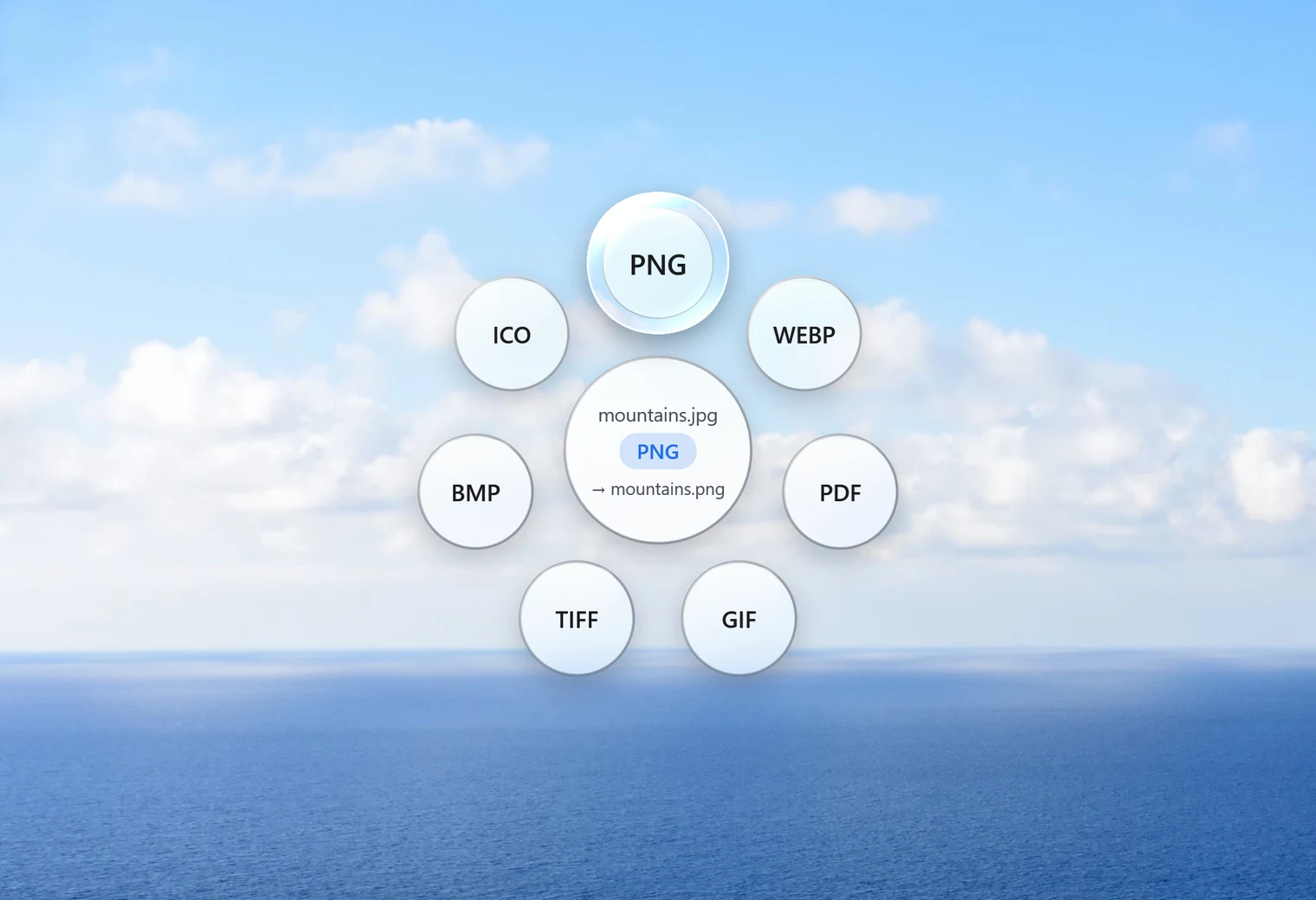
- Tap Shift. Santra's Convert orbit opens under the cursor.
- Drop it on PNG.
The PNG is saved next to the JPG with the same name. Your JPG stays untouched, and nothing is ever overwritten: if the name is taken, the new file becomes "name (2).png".
To convert a batch, select several JPGs (Ctrl + A selects the whole folder), drag them together, tap Shift and drop on PNG. Santra converts each one and shows its progress. Select the files themselves; a folder can't be dropped.
Three things converting to PNG won't do
It won't make the background transparent
PNG can hold transparency, but a JPG never had any. Converting keeps the background exactly as it was, white corners and all. Removing a background is an editing job, and Santra doesn't edit photos.
It won't improve the quality
A JPG has already thrown away some fine detail when it was saved. PNG stores the picture losslessly from that point on, so it keeps exactly what the JPG shows, no worse and no better. The width and height stay the same too.
It won't make the file smaller
Usually the opposite. In our test, a 904 KB JPG photo became a PNG of about 2.9 MB. That's normal for photos: PNG is great at flat colours and sharp edges, and inefficient for camera pictures.
So when is JPG to PNG worth it?
- When a program or form only accepts PNG.
- Before editing a picture several times. Each time a JPG is saved again it can lose a little more detail. A PNG copy doesn't degrade when you save it repeatedly.
- For screenshots and graphics that you received as JPG and want to keep in a lossless format from now on.
If you just want to share or upload a photo, JPG is usually the better format. Our guide to WebP vs JPG vs PNG explains when to use which.
Going the other way
If you end up with a PNG that's too big to email or upload, the same orbit converts it back: drop it on JPG to get a much smaller file at quality 92, or on WebP for something smaller still. The step-by-step is on PNG to JPG. And if your JPGs came from a phone, they may carry hidden details such as the place they were taken; Remove info strips those before you share them.
Other ways to convert JPG to PNG on Windows
- Paint: open the JPG and use File, Save as, PNG picture. It works well for one picture at a time.
- Photos: can save a copy in another format, one by one.
- Online converters: easy, but every photo goes to someone else's server first, which isn't ideal for personal pictures.
Santra is the shortcut for when you do this often or with many files: one drag, no window, nothing uploaded. Windows 10 and 11 only.