Making images smaller is one of the most common chores on a computer. You might be shrinking photos for an email, a website or an upload form that has a size limit. TinyPNG made this easy in the browser. If you would rather keep your pictures on your own PC, or you have a whole folder to get through, a local tool may suit you better.
Santra and TinyPNG side by side
| Feature | Santra | TinyPNG |
|---|---|---|
| Where it runs | On your Windows 10 or 11 PC | In the browser, on its servers |
| Images are uploaded | ✗ No | ✓ Yes |
| Images per go | As many as you select | 20 per session free; unlimited on paid plans |
| Size per image | No limit set by Santra | 5 MB free, 75 MB Web Pro, 150 MB Web Ultra |
| Makes PNGs smaller without changing format | Only by resizing | ✓ Yes |
| Price | First 25 files free, then US$19 once | Free; Web Pro US$3.25 a month billed yearly |
When to choose TinyPNG
- You need small PNGs that stay PNG. TinyPNG's specialised compression often makes PNG files much smaller. Santra keeps PNG lossless, so it can only shrink a PNG by resizing it, or by saving it as JPG or WEBP instead.
- You work in WordPress or Figma and want compression built in through its plugins, or you need an API.
- You are on a Mac, a phone or a shared computer: TinyPNG works in any browser.
When to choose Santra
- You compress photos: JPG or WEBP output with a quality slider and Light, Balanced or Strong presets. In our test a 904 KB photo became 373 KB as JPG, or 123 KB as WEBP resized to 1600 px.
- You have a lot of images. Select them all, drag once, and Santra works through every one, with no per-session cap.
- Your pictures are private. Nothing leaves your PC.
- You want to see the new size before saving: Santra shows an estimate as you move the slider.
How to switch in three steps
- Install Santra on Windows 10 or 11.
- Select your images in File Explorer, start dragging them and tap Alt.
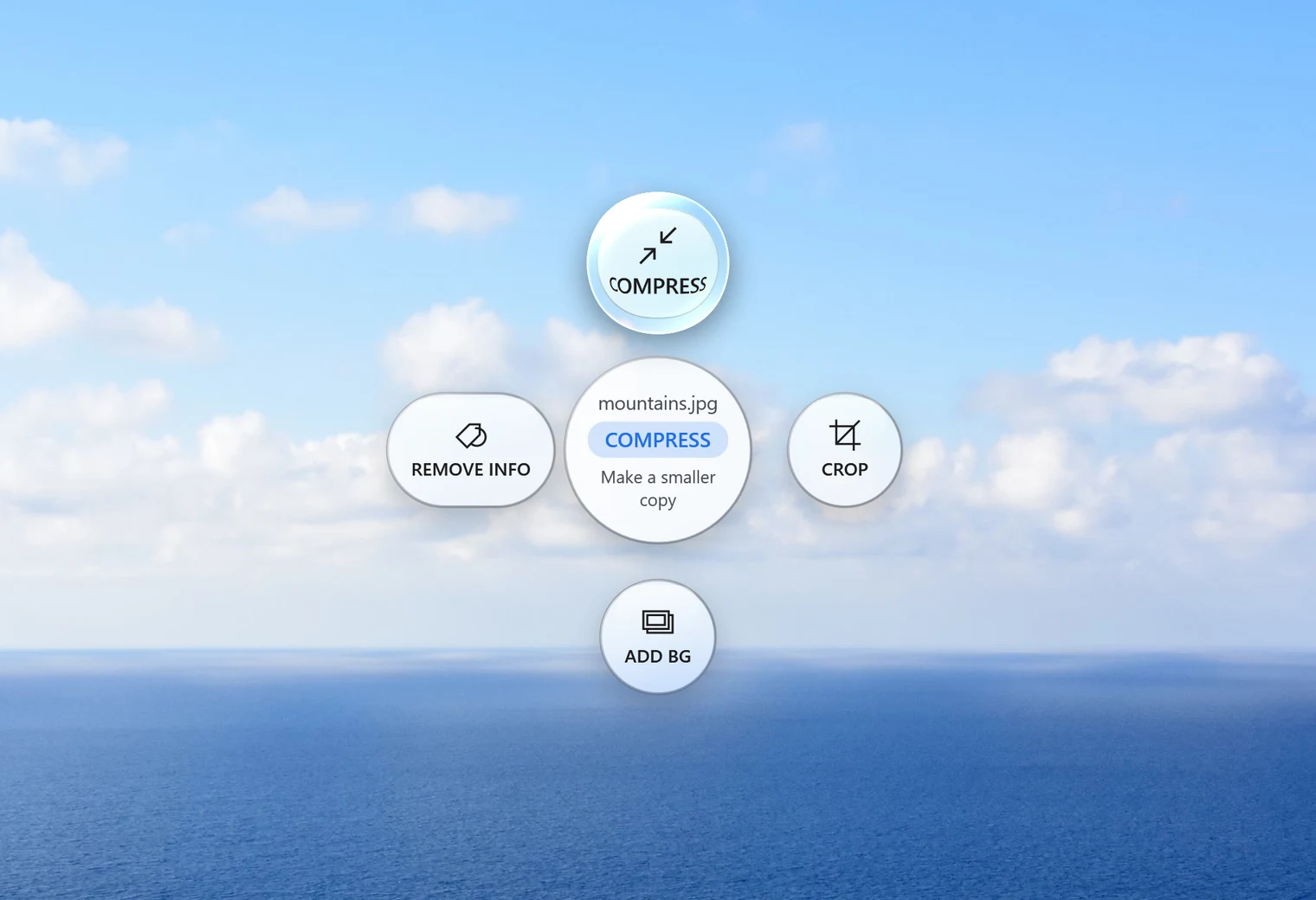
- Drop them on Compress, pick a preset or quality, and click Compress. Each smaller copy is saved as "name compressed".
More on the Compress tool: compress images on Windows. Converting instead? PNG to JPG often saves the most space for photos.
A word on the details
TinyPNG's plans and limits come from its own website, checked on 22 October 2026. Its site says uploads are kept up to 48 hours and then permanently deleted. API prices beyond the free 500 compressions a month weren't on the pages we checked, so they aren't listed here.