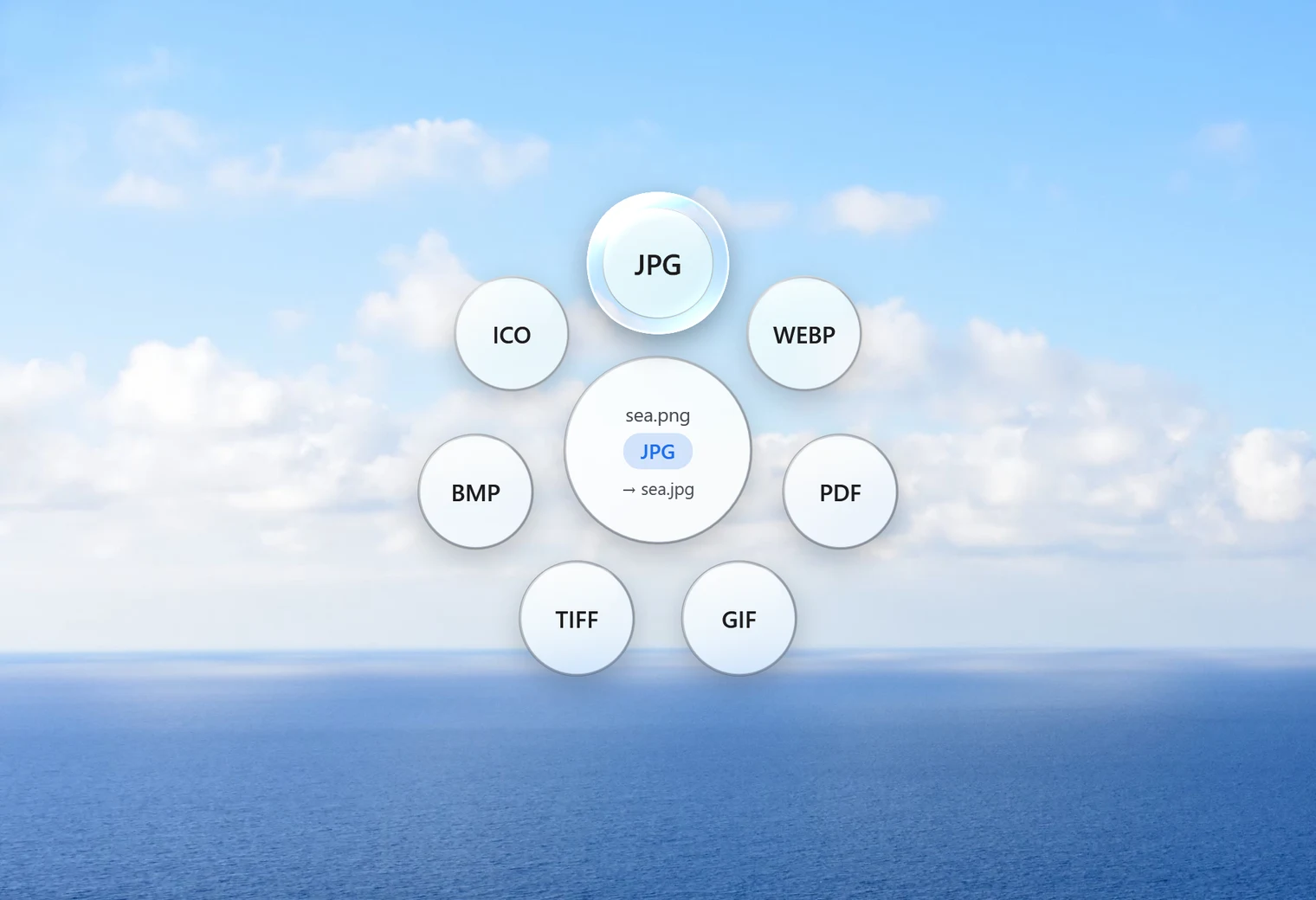
PNG files are great for screenshots and graphics, but they can be large, and plenty of upload forms, printing services and email tools prefer JPG. Converting PNG to JPG usually makes a photo-like picture much smaller. This page shows how to do it on Windows in one drag and what changes along the way.
How to convert PNG to JPG with Santra
- Find your PNG in File Explorer or on the desktop.
- Start dragging it and keep the mouse button held down.
- Tap Shift to open the Convert orbit.
- Drop the file on JPG.
The JPG appears next to the PNG with the same name. The PNG itself is never changed or deleted. If there is already a JPG with that name, Santra adds a number, for example "logo (2).jpg", instead of overwriting anything.
Batch convert PNG to JPG
Got a folder full of screenshots? Open it, press Ctrl + A to select all the PNG files (or Ctrl-click the ones you want), drag them together, tap Shift and drop them on JPG. Every file gets converted, with one progress notification for the lot. Folders themselves can't be dropped, so always select the files inside.
Can you convert PNG to JPG without losing quality?
Not perfectly, and it's worth being honest about why. PNG is lossless: it stores every pixel exactly. JPG is lossy: it saves space by simplifying fine detail the eye barely notices. Santra saves at quality 92 out of 100, which keeps photos looking the same to the eye.
Where you might see a difference:
- Photos: no visible change in normal viewing, and the file gets much smaller.
- Screenshots with small text, line drawings and flat colours: JPG can add faint smudges around sharp edges. For these, keeping the PNG is often the better choice.
What happens to a transparent background?
JPG has no transparency. When a PNG has see-through areas, Santra fills them with white, not black, so a logo on a transparent background ends up on clean white. In our test, a transparent corner came out pure white. If you need to keep the background see-through, stay with PNG, or convert to WebP, which also supports transparency and is smaller.
PNG or JPG: a quick guide
| Picture | Better as | Why |
|---|---|---|
| Photo from a phone or camera | JPG | Much smaller, looks the same |
| Screenshot with lots of text | PNG | Text edges stay crisp |
| Logo with a see-through background | PNG (or WebP) | JPG can't be transparent |
| Picture for an upload form that asks for JPG | JPG | It's what the form accepts |
Which is smaller, PNG or JPG?
For photos, JPG almost always wins by a wide margin. For simple graphics, a PNG can be surprisingly small, sometimes smaller than the JPG. The picture keeps its width and height either way; Santra's conversions never resize. To make files even smaller, use Santra's Compress tool, which can also shrink the size in pixels and save as WebP.
Other ways to change PNG to JPG
- Paint: open the PNG, choose File, Save as, JPEG picture. Simple, but one file at a time.
- Photos: can save a copy in another format, also one by one.
- Online converters: quick for a single file, but the picture is uploaded first. Screenshots often contain private details, such as messages, emails or account numbers, so think before uploading them.
Santra fits best when you convert pictures regularly: no window to open, any number of files, nothing leaves your PC. It runs on Windows 10 and 11.